How to Check Any Website's Backlinks for Free, Step by Step
How to check any website's backlinks for free, step by step, using Google Search Console and free tools, plus how to read the results.

You do not need a paid subscription to see who links to a website. You need to know which free backlink checker answers which question, and how to read what it shows you without being misled by a single big number. This guide walks through the process in order, starting with your own site, then any site you do not own, then what to do with the results.
If you are checking backlinks because you are thinking about buying links, read this first and our guide on how to buy backlinks safely second. The checks here will save you from paying for placements on sites that look strong and are not.
Before you start: what a backlink check can and cannot tell you
A free backlink checker shows you a list of pages that link to a site, and usually a score for how strong that site's link profile looks. It does not show you every link. No tool, free or paid, sees the whole web. Google sees more than any tool, but Google only shows you the full picture for sites you own, through Search Console.
That means the right approach is twofold. For your own site, use Google Search Console, because its data comes from Google itself. For a competitor's site, or a site you are thinking of buying a placement on, use a free third party checker, and treat its numbers as a sample, not a census. Two tools will often disagree on the total count, and both can be right, because they crawled different parts of the web at different times.
Step 1: Check your own site in Google Search Console

This step is free, and it is the most accurate backlink data you will ever get for your own site.
First, make sure your site is verified in Google Search Console . If you own the site and have not done this yet, Search Console will walk you through verification, usually by adding a small file to your site or a DNS record. It takes a few minutes, and it unlocks far more than backlinks, including which searches bring you traffic and which pages Google has indexed.
Once verified, open the Links section in the left menu. You will see two main reports. External links shows which sites link to you, which of your pages they link to most, and the anchor text they used. Internal links shows how your own pages link to each other, which is useful for spotting orphan pages that nothing points to.
Start with the top linking sites. Look for names you recognise, sites in your niche, and any surprises. A link from a site you have never heard of, with anchor text that has nothing to do with your content, deserves a closer look. Click through to the linking page if you can, and see whether the link sits in a real article or in a footer, a sidebar, or a comment section. Placement tells you more than the domain name does.
The Google Search Console links report is the official source for this data, and Google documents how to read it, so if a number here disagrees with a third party tool, trust this one for your own site.
Step 2: Check any other site with a free backlink checker
For a site you do not own, Search Console will not help you. Use a free backlink checker instead, and remember that a free backlink checker shows a sample of links, not every link on the web. The best known free option is the Ahrefs free backlink checker, which shows the top 100 backlinks to any domain, plus a domain rating score, without asking you to sign up or pay.
Here is the process. Open the Ahrefs free backlink checker, type the domain you want to check, without the https part and without a page path, and run the check. You will get a summary at the top: domain rating, total backlinks found, and referring domains, meaning the number of distinct sites linking in, not the total number of links.
Referring domains matters more than total backlinks. One site linking to you a thousand times is one relationship. A hundred different sites linking once each is a hundred relationships, and search engines weigh that breadth far more heavily. When you compare two sites, compare referring domains first, and total backlinks second.
Scroll into the backlink list itself. Look at the linking pages, not just the count. Are they real articles on real sites? Are they in a relevant niche? Do the anchor texts read naturally? A site with 500 backlinks from directories, forums, and comment sections is weaker than a site with 50 backlinks from genuine articles, even though the first number looks bigger.
Also look at the domain rating, but do not worship it. Domain rating is a third party score on a scale of 0 to 100, based on the strength of a site's own backlink profile. It is useful for rough comparisons, and useless as a precise measure. A site can have a high rating and almost no real traffic, if its links come from other high rating sites that also have no traffic. Always pair the score with a traffic check, which brings us to the next step.
Step 3: Check traffic, not just links
A backlink from a site nobody visits is still a link, but it is a weaker signal than a link from a site with real readers. Free traffic estimates are rough, but they catch the biggest red flags, like a site claiming high authority with almost no visitors.
The simplest free check is to look at the site itself. Does it publish regularly? Do its recent articles have dates in the last few weeks, not the last few years? Do its articles get comments, shares, or any sign of a living audience? A site that published ten articles in 2021 and nothing since, yet claims a strong link profile, probably bought its links or stopped being maintained.
Traffic also tells you whether a guest post placement is worth its price. Our comparison of guest posting services compared honestly works through what each type charges, and this traffic check tests whether a quoted price matches reality.
Step 4: Read the report like an auditor, not a fan
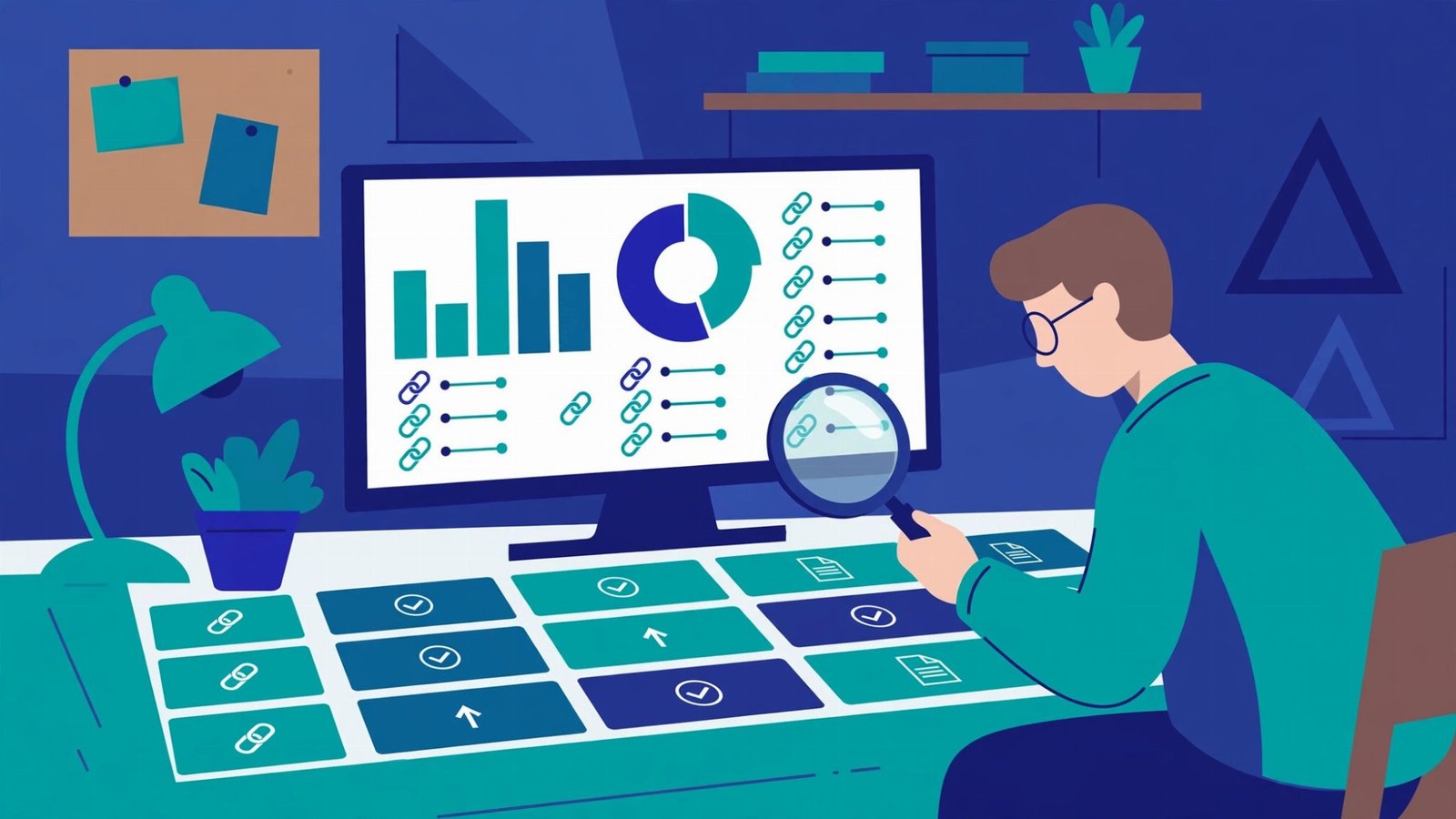
Once you have a backlink list, read it with four questions in mind.
First, relevance. Are the linking sites in the same broad niche, or at least a neighbouring one? A cooking blog linking to a plumber is odd. A home improvement site linking to a plumber is natural. Relevance is not a strict rule, but a profile with no relevance at all usually means links were bought in bulk.
Second, quality of the linking page. Open a few linking pages. Is the link inside a genuine article, surrounded by relevant text? Or is it in a footer, a blogroll, a sidebar full of unrelated links, or a page that lists hundreds of links with no content? Editorial links inside content carry the most weight. Footer and sidebar links carry far less, and a page that exists only to host links carries almost none.
Third, anchor text patterns. As with your own site, look for variety. Brand names, URLs, and generic phrases should dominate. If the same exact keyword appears as the anchor on dozens of links, especially from unrelated sites, that site's rankings were probably built by buying links with that keyword, and the pattern is fragile.
Step 5: Check a competitor the same way
Competitor backlink checks are where free tools earn their keep. Pick the site ranking above you for your target keyword, run it through the same free backlink checker, and look at its top linking pages. You are not looking to copy its links one by one. You are looking for patterns.
Which types of sites link to it? If they are mostly blogs in your niche, you need better content and outreach in that niche. If they are mostly directories and profiles, you can close the gap with the free backlinks you can build this week , which are exactly that kind of link. If they are mostly news sites and publications, you need something newsworthy, like original data or a genuinely useful study.
Step 6: Decide what to do with what you found
A backlink check is only useful if it leads to a decision. Here are the decisions it usually leads to.
If you found toxic links pointing to your own site, meaning links from spammy, hacked, or completely irrelevant sites built at scale, do not panic and do not rush to disavow everything. Google ignores most low quality links automatically. Only consider a disavow file, submitted through Search Console, if you have a manual action penalty, or if you know a large number of manipulative links were built for your site and you cannot get them removed. For most sites, the right action is to keep building good links, which dilutes the bad ones naturally.
If you found that a site you were about to pay for a placement on has weak traffic, irrelevant links, or a spammy profile, walk away. That one check just saved you the placement fee and a potential cleanup later. This is why the check comes before the payment, every time.
If you found that your own profile is thin compared with competitors, build the foundation first. Profiles, directories, content platforms, and genuine community participation cost time, not money, and they give Google a natural base to build on. Only then consider paid placements, and only on sites that pass the checks in this guide.
Frequently asked questions
Can I check backlinks completely for free?
For your own site, yes, through Google Search Console, which is free and complete from Google's perspective. For other sites, free checkers show a sample, usually the top 100 links, which is enough for vetting and competitor research, but not a full audit.
What is a good number of backlinks?
There is no universal good number. It depends on your niche and your competitors. A local business can rank well with dozens of good links. A national site in a competitive niche may need thousands. Compare yourself with the sites ranking for your keyword, not with an abstract target.
Do nofollow links show up in a backlink checker?
Yes, most checkers show nofollow links and label them as such. They count less for rankings directly, but they still show up in your profile, still send referral traffic, and still help Google discover your site. Do not filter them out entirely when judging a profile.
The bottom line
Checking backlinks for free is a three tool job. Google Search Console for your own site, a free backlink checker like Ahrefs for any other site, and your own eyes on the actual linking pages to judge relevance and quality. Numbers alone mislead. A smaller number of real, relevant, editorial links beats a larger number of directory and footer links every time. Run the check before you pay for a placement, before you copy a competitor, and once a month on your own site, and you will make better link decisions with no subscription at all.