Free Backlink Checker Tools Compared: What Each One Really Shows You
Free backlink checker tools compared: what Ahrefs, Semrush, Moz and Google Search Console show for free, their limits, and which fits your job.

Every free backlink checker tools page promises the same thing: type in a domain and see who links to it, without paying. The promise is mostly true and mostly misleading. You will see links, but not all of them, and the slice you see depends on the tool, whether you made an account, and whether the site is yours. Two tools can look at the same website on the same day and report totals that differ by hundreds, and both can be telling the truth about their own slice of the web.
This comparison states each tool's free limit in plain numbers, says where that number comes from, and matches each tool to the job it actually fits. The limits change often, so every figure below carries its source and the date it was checked.
If you only want the method, start with our step by step guide on how to check any website's backlinks for free, which walks through Google Search Console first and then the third party tools. If you are checking links because you are thinking about buying them, read our how to buy backlinks without getting burned as well, because the checks on this page will show you whether a site that wants your money is worth it.
The quick answer: which free backlink checker tools fit which job
Job | Best free option | Free limit to remember
Check your own site properly | Google Search Console | No limit on your own verified sites, tables show 1,000 rows on screen and export up to 100,000 rows
Peek at any competitor without an account | Ahrefs free backlink checker | A capped top slice, about the top 20 backlinks, plus totals and Domain Rating
Check a competitor in depth on a free account | Semrush free account | 10 backlink lookups a day, 10 rows in each report
Check a competitor a few times a month | Moz Link Explorer | 10 queries a month on a free Moz account
Quick daily checks across jobs | Ubersuggest | 3 searches a day, shared between keyword and backlink lookups
Row heavy checks on a small budget | Mangools LinkMiner | 5 site lookups in 24 hours, 2,000 backlink rows per period
A second opinion on any domain | Majestic free checker | A sample behind a human check, full data needs a paid plan
The pattern in that table is the whole story of free backlink checker tools. Your own site is free to check in depth, because Google and Bing give you their own data. Anyone else's site is a preview. The tools are generous with totals and strict with rows, which is exactly the part you need when you are judging a single link.
What the numbers mean before you compare them
A backlink checker reports four things, and confusing them is the most common mistake in this whole topic.
A backlink is one link from one page to the site you checked. A referring domain is one website that links to you, however many times it links. One site can give you fifty backlinks and still count as one referring domain, and that count usually matters more, because fifty links from one site do not carry the weight of fifty links from fifty sites.
Domain Rating, Domain Authority and Authority Score are each tool's own guess at how strong a site's link profile looks. Ahrefs, Moz and Semrush each use their own scale and their own data, so a Domain Rating of 40 and a Domain Authority of 40 are not the same thing, and neither one is a Google score. Use them to compare two sites inside the same tool, never across tools.
Anchor text is the clickable words of a link. A profile full of exact match commercial anchors looks bought, while one full of brand names and plain URLs looks earned. Our guide to anchor text for backlinks explains the ratios that look natural and the patterns that look risky, and it is worth reading before you judge a site by its anchors alone.
Toxicity and spam scores are warning flags, not verdicts. A high score means look closer, not delete the link.
Ahrefs: the biggest index, the smallest free slice
Ahrefs runs the largest live backlink index most SEOs treat as the reference, and its free checker shows you the headline numbers for any domain: total backlinks, total referring domains, Domain Rating and Ahrefs Rank. That is genuinely useful for a fast check. You can compare two competing sites in a minute and see which one has the stronger profile.
The free limit is the slice. Without an account, the checker returns a capped top list of backlinks, about the top 20 in independent tests from October 2026, and Ahrefs says its index refreshes every 15 minutes. The full picture needs Ahrefs Free, the free account formerly called Ahrefs Webmaster Tools, which gives full backlink data for sites you verify as your own, up to 1,000 rows on screen at a time. You cannot see a competitor's full profile for free.
Use Ahrefs for a fast headline for any domain, or full data for your own site. Do not use it as your only source for a competitor's links, because the top 20 shows the strongest links and hides the weak ones, and the weak ones often matter when you judge quality.
You can try the checker yourself on the Ahrefs backlink checker page, which is free to open and needs no account for the headline numbers.
Semrush: the fullest free summary, the tightest daily cap
A Semrush free account gives you Backlink Analytics, which is one of the fullest free summaries on this page: referring domains, Authority Score, dofollow share, anchor text, new and lost links, and a toxicity view for disavow work. The limit, as Semrush's own help pages state it, is 10 backlink lookups a day, with up to 10 rows in each report. That is enough for one or two domains a day if you are careful, and not enough for a list of twenty competitors.
Without an account the checker is tighter still. Independent tests in October 2026 found it shows up to 15 backlinks, sorted by Authority Score, usable once a day, with a note from Semrush that it may not show every backlink, for example when pages are blocked from its crawlers. A tool that cannot crawl a page cannot count its links.
Of all the free backlink checker tools, Semrush gives the fullest free summary, so use it when you have one domain to study properly and a free account to spend on it. The ten rows per report force you to focus on the strongest links, which is usually the right focus anyway. Do not use it for bulk checks, because the daily cap will stop you before lunch.
The Semrush backlink analytics page explains what the free account includes and where the daily limit applies.
Moz Link Explorer: ten queries a month, and a score everyone quotes
Moz Link Explorer is the home of Domain Authority, the score more people quote than any other, and its free tier is simple to state: 10 queries a month with a free Moz Community account. Each query shows Domain Authority, Spam Score and a sample of inbound links, with sections for inbound links, linking domains and discovered and lost links. Ten queries a month sounds small, and it is, but one careful query a week is enough for a small site owner who checks their own profile and one competitor.
The catch is the monthly rhythm. Spend all ten queries on the first day and you wait thirty days for more. Spend one query per domain, not one per page, and keep a list so you do not check the same domain twice.
Use Moz when Domain Authority is the number your client, your boss or your seller keeps quoting, because then you need the same scale they are using. Do not use it as your daily driver, because the monthly cap will not allow it.
You can open the tool on the Moz Link Explorer page, where the free account path is spelled out in four steps: enter a URL, create an account, verify your email, then receive your 10 free queries for the month.
Google Search Console: free, unlimited, and only for your own sites
Google Search Console is the only tool on this page with Google's own link data, and it is free without limits for sites you own and verify. The Links report shows which sites link to you, which of your pages they link to most, and the anchor text they used. Tables show 1,000 rows on screen and export up to 100,000 rows, which is more than any other free option on this page.
The limit is ownership. You cannot check a competitor in Search Console, and you cannot check a site you are thinking of buying a link on. That makes it useless for prospecting and perfect for monitoring, because the data is the most accurate you will ever get for your own site. If a third party tool disagrees with Search Console about your own site, trust Search Console.
Our free backlink checker guide walks through the Links report step by step, including the internal links report, which shows orphan pages on your own site that nothing points to.
Read how Google documents the Links report on the Google Search Console about page, and set it up before you spend money on any other tool, because it is free and it is the baseline everything else is measured against.
Ubersuggest and Mangools: small daily allowances, different shapes
Ubersuggest's free plan allows 3 searches a day, shared between keyword and backlink lookups, according to an independent test run on 21 October 2026. A keyword check in the morning and a backlink check after lunch leaves you one search for the day. What you get is a solid overview: total backlinks, referring domains, a domain score and top links. It suits a small site owner who checks one thing a day, not anyone doing a batch of checks.
Mangools LinkMiner caps rows rather than lookups. Its free account showed 2,000 backlink rows per period, with 5 site lookups in 24 hours, in the same October 2026 test. That shape suits one domain studied in depth, where the list matters more than the totals. Copy the rows while you have them, because the period resets on the tool's schedule, not yours. Both tools belong on a shortlist of free backlink checker tools, but for opposite reasons: one for quick daily checks, one for a deep list from a single domain.
Majestic and Bing Webmaster Tools: the second opinions
Majestic's free checker sits behind a human check and shows a sample of a domain's links, with Trust Flow and Citation Flow, which measure trust and volume separately. That split is genuinely useful, and it is the reason Majestic earns a place among free backlink checker tools: a site with high Citation Flow and low Trust Flow has many links from places Majestic does not trust, which is a warning worth seeing. Full data needs a paid plan, so treat Majestic as a second opinion rather than a primary source.
Bing Webmaster Tools is the forgotten free option. It shows backlinks for sites you verify, up to 1,500 domains and up to 10,000 backlinks within each, according to vendor pages read in October 2026. It will not help you check a competitor, but it is a free second source for your own site. If you already verify your site in Search Console, verifying it in Bing costs a few minutes.
The data, side by side, with sources
Here are the free limits in one place, with the source and date for each figure. Free limits change without notice, so check the tool's own page before you rely on any single number for a decision that costs money.
Tool | Free limit | What you see free | Source and date
Ahrefs free checker, no account | Top slice, about 20 backlinks | Totals, Domain Rating, top backlinks | Independent test, October 2026; Ahrefs says its index refreshes every 15 minutes
Ahrefs Free, verified own sites | Up to 1,000 rows on screen | Full backlinks, referring domains, anchors | Ahrefs help pages, read October 2026
Semrush free account | 10 lookups a day, 10 rows each | Backlink Analytics summary, anchors, toxicity view | Semrush help pages, October 2026
Semrush checker, no account | 1 check a day, up to 15 backlinks | Headline summary sorted by Authority Score | Independent test, October 2026
Moz Link Explorer | 10 queries a month | Domain Authority, Spam Score, sample links | Moz account pages, October 2026
Ubersuggest | 3 searches a day, shared | Totals, top links, domain score | Independent test, 21 October 2026
Mangools LinkMiner | 5 lookups in 24 hours, 2,000 rows per period | Backlink rows for one domain | Independent test, 21 October 2026
Google Search Console | Unlimited for verified own sites | Full Links report, 1,000 rows on screen, export 100,000 | Google pages, read October 2026
Bing Webmaster Tools | Up to 1,500 domains, 10,000 backlinks each | Backlinks report for verified sites | Bing help pages, read October 2026
Majestic free checker | Sample behind a human check | Trust Flow, Citation Flow, sample links | Majestic pages, October 2026
Two things stand out. First, the free limits cluster around ten: ten lookups a day, ten queries a month, ten rows a report. The tools give you a taste, not a database. Second, the only unlimited free option covers your own site only. A full competitor database is the product these companies sell, and the free version is the advertisement for it.
A worked example: checking one competitor with three free backlink checker tools
Take a small food blog as an illustrative example, with sample numbers used only to show the method. You run its domain through three tools on the same morning and write down what each one shows.
Ahrefs free checker shows 42 referring domains and 310 backlinks, with a Domain Rating of 28, and its top 20 list is full of recipe roundups and one local newspaper. Semrush free account shows 38 referring domains and 265 backlinks, with an Authority Score of 31, and its 10 rows include three links Ahrefs did not list, from a forum and two small blogs. Moz Link Explorer shows 35 linking root domains and a Domain Authority of 24, and its Spam Score for the blog is 3 percent, which is low.
None of those totals is the true total. Each tool crawled a different part of the web at a different time, and each missed links the others found. The useful conclusion is the overlap. About thirty referring domains appear in all three tools, and those are the real core of the profile. The recipe roundups and the newspaper link appear everywhere, so they are real and strong. The forum links appear in one tool only, so click through and check them by hand before you count them.
Now put a money question on the same example. A seller offers you a link on that blog for 120 dollars. The three tools agree it has about 35 to 42 real referring domains, real traffic from recipe roundups, and a low spam score, so the site is real. But its strongest links are roundups any food blog can join, and its Domain Rating of 28 is modest, so a fair price sits near the low end of the published price bands, not the high end. Our guide on how to choose backlinks worth paying for walks through that pricing judgement in full, and our guest post pricing guide gives the real price bands by site traffic, from 75 to 150 dollars for sites with 1,000 to 5,000 visits a month up to 600 to 1,500 dollars for sites above 75,000 visits, based on published pricing studies.
A 30 minute routine that uses the free limits well
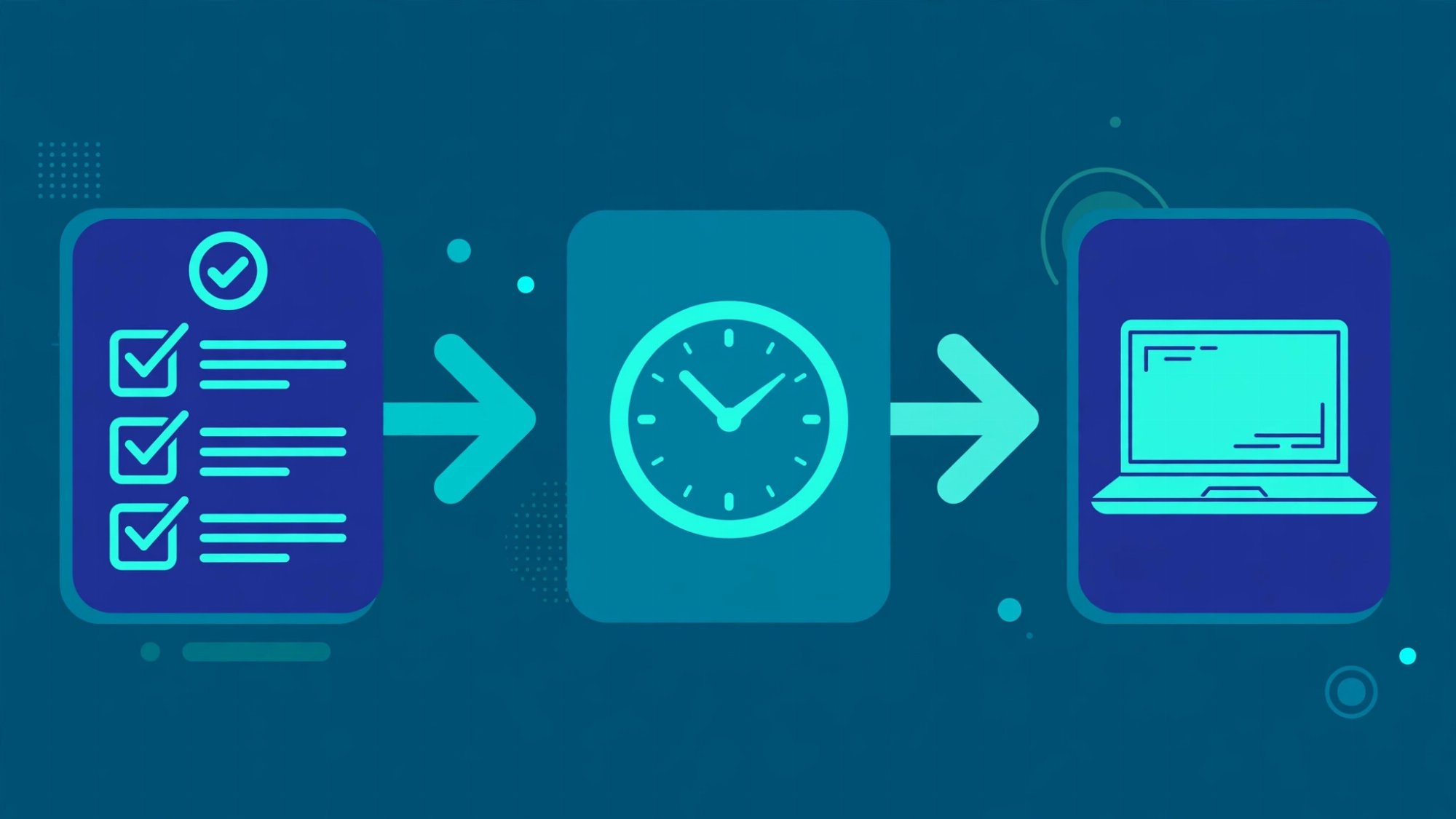
Here is a routine that puts the free backlink checker tools above to work in order, without spending a monthly cap on a careless check.
Step 1: Open Google Search Console and look at your own Links report. Export the top linking sites. This is your baseline, and it costs you nothing.
Step 2: Pick one competitor and run it through the Ahrefs free checker. Write down referring domains, total backlinks and Domain Rating.
Step 3: Spend one Semrush free lookup on the same competitor. Write down its 10 rows and compare them with the Ahrefs top 20. Note the links that appear in both, and click the ones that appear in only one.
Step 4: Spend one Moz query on the same competitor if Domain Authority is the number your team uses. Write down Domain Authority and Spam Score, then stop. You have nine queries left for the month.
Step 5: Open the three strongest linking pages by hand. Check that the link sits in the article body, not a footer or a comment, and that the page is about your topic.
That routine takes about 30 minutes, uses one lookup from each daily allowance, and it is the fastest honest way to use free backlink checker tools without burning a monthly cap. It leaves you with a judgement you can defend, not just a number you can quote.
The honest limits of free backlink checker tools
Free backlink checker tools have four limits you should plan around, not complain about.
First, the totals are samples. No free tool sees the whole web, and no paid tool does either. Never report a single tool's total as a fact without naming the tool.
Second, the data lags. A link built yesterday may not appear for days or weeks, and a link removed last month may still show. Check new links after two weeks, not the next morning.
Third, the free limits reset on the tool's calendar, not yours. A monthly cap spent on the first day is gone for the month. Keep a simple list of the domains you checked, the date, and the tool, so you do not spend a query checking the same domain twice.
Fourth, a free checker cannot judge relevance or intent. It can tell you a link exists and what its anchor says. It cannot tell you whether the linking page is read by real people, whether the site sells links to anyone, or whether the link will still be there in six months. Those judgements need your eyes on the page.
Frequently asked questions
Q1: Which free backlink checker is best?
A1: There is no single best one, because the tools answer different questions. Google Search Console is best for your own site, Ahrefs free checker is best for a fast peek at any domain, Semrush free account is best for one domain studied in depth, and Moz is best when you need Domain Authority specifically. Most people need two free backlink checker tools: Search Console plus one third party tool.
Q2: Can I check a competitor's backlinks for free?
A2: Yes, in part. Ahrefs, Semrush and Moz all show a capped slice for any domain without payment, and the tables above state the exact caps. You cannot get a competitor's full list for free from any major tool, because that list is the product they sell.
Q3: Why do free backlink checker tools show different numbers?
A3: They crawled different parts of the web at different times, and they count links differently. One tool counts a sitewide footer link once per domain, another counts it once per page. Compare tools by their overlap, not by their totals.
Q4: Are free backlink checker tools safe to use?
A4: Yes, for checking. You type in a domain and read public link data. You do not need to install anything or give a tool access to your site, except when you verify your own site in Search Console or Ahrefs Free, which is a normal and safe step.
Q5: How often should I check my backlinks?
A5: Once a month is enough for a small site, using Search Console as the baseline and one third party tool as a second opinion. Check more often only after a link building campaign or a sudden ranking drop, and always check new links at least two weeks after they were built, because indexes lag.
The bottom line
Free backlink checker tools are good enough to answer the questions that matter most: is this site real, who links to it, and is its profile healthy. They are not good enough to give you a complete competitor database, and they were never meant to be. Start with Google Search Console for your own site, add one third party tool for competitors, spend your free lookups on purpose, and always open the strongest linking pages yourself. The tool gives you the list. Your judgement decides what the list means.
Order guest posts on reviewed websites with honest metrics, or list your own site and get paid.
Join RankPublish